Screenshot test for clip under scale+translate (#4907)#4917
Conversation


Repro for issue #4907 (glitchy metal drawing). The issue reports that a
magnifier-style render path -- set a small clip rect, then apply
g.scale(scale, scale) + g.translate(-ax, -ay) and draw a much larger
surface -- correctly clips on the legacy iOS pipeline / JavaSE / Android
but leaks outside the clip rect under iOS Metal.

The new ClipUnderScaleTranslate test runs the AbstractGraphicsScreenshotTest
2x2 (AA off/on, form-graphics vs mutable-image) and renders the exact
sequence from ddyer0's snippet:

  g.pushClip();
  g.clipRect(centred small rect);
  g.scale(2.0f, 2.0f);
  g.translate(-ax, -ay);
  g.fillRect(<covers entire post-transform cell>);   // should clip to rect
  g.translate(ax, ay);
  g.scale(0.5f, 0.5f);
  g.popClip();

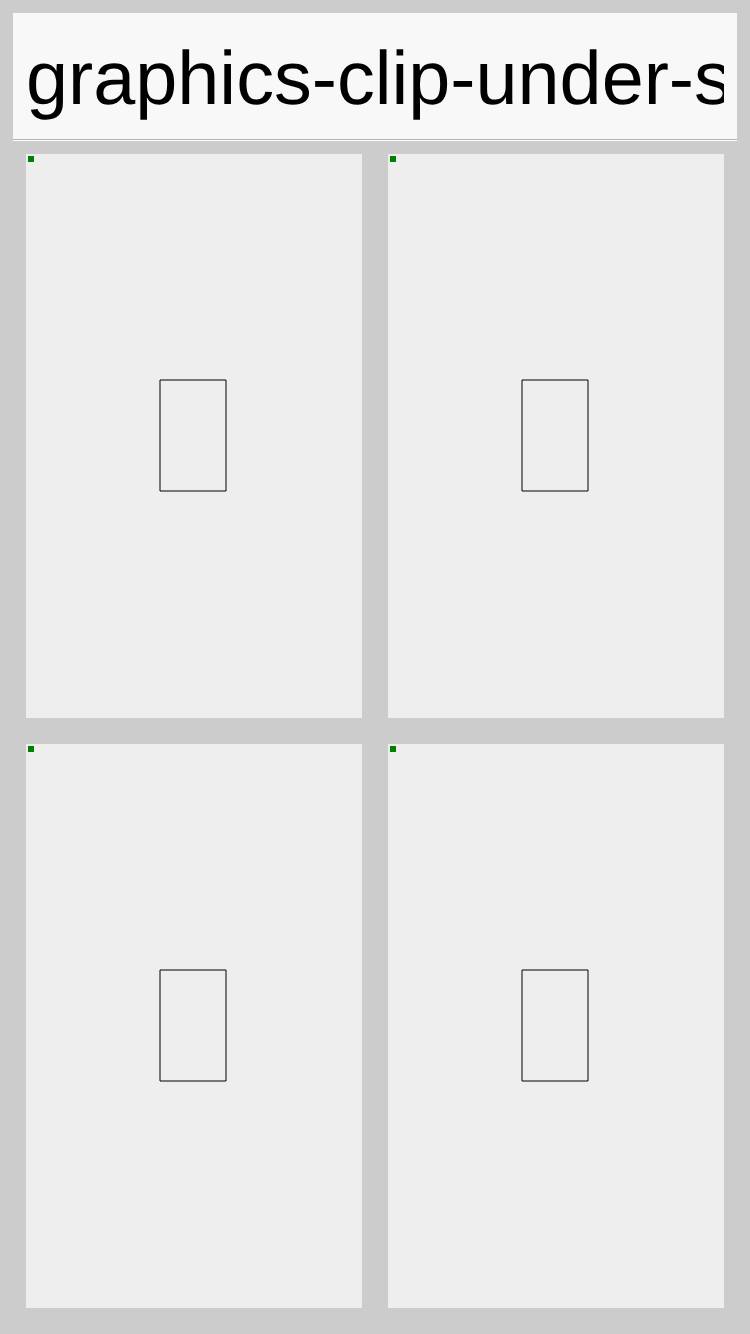
A navy outline of the expected clip rect is drawn before the clipped
fill so the screenshot diff has a stable anchor; a tiny green sentinel
is drawn after popClip so a broken pop/transform-reset is also caught.
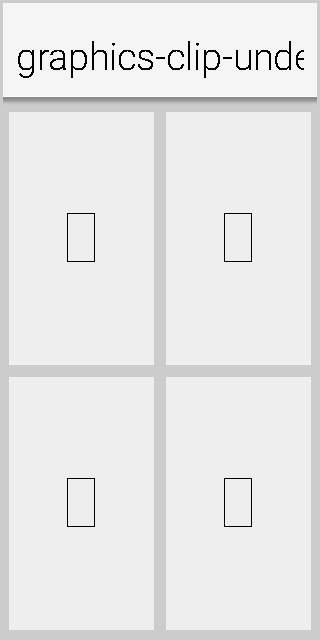
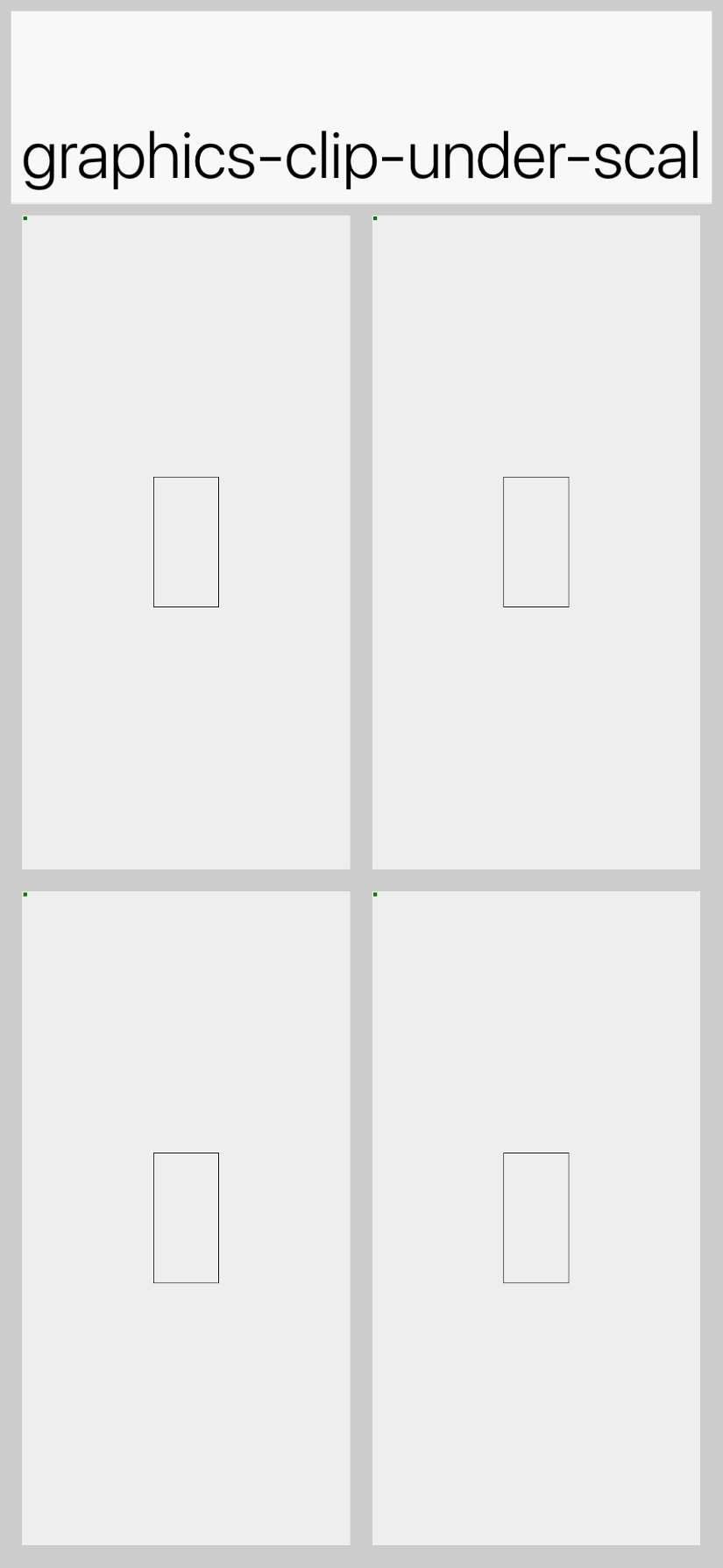
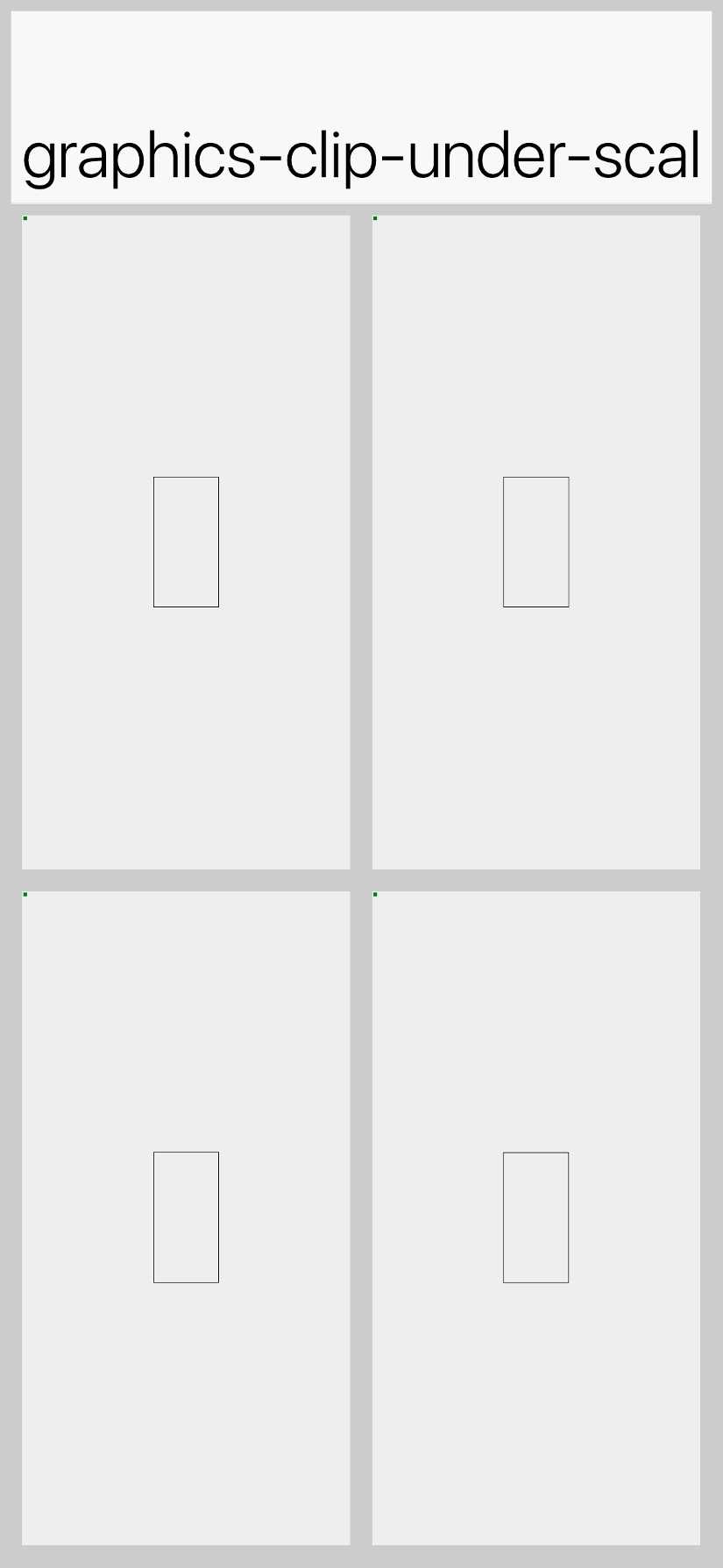
On a working pipeline the cell shows a centred red square inside the
navy outline; on the buggy pipeline the red leaks outside (worst case:
the entire cell is red). Splitting the form-graphics path from the
mutable-image path lets the diff narrow the suspect target without
extra instrumentation.

Wired into Cn1ssDeviceRunner after Clip and into the HTML5 skip list to
match the other graphics screenshot tests.

Co-Authored-By: Claude Opus 4.7 (1M context) <noreply@anthropic.com>

JavaScript port screenshot updatesCompared 16 screenshots: 15 matched, 1 missing reference.
|
…4907)

The previous version drew a solid red fillRect covering the entire
post-transform area, with a navy outline of the expected clip rect.
When the clip is honoured the red square sits exactly on the navy
outline, so a small bleed at the edges is hard to distinguish from
normal antialiasing -- on the JavaSE simulator the result looked
correct but it was hard to tell whether the test would catch a
subtle leak.

Switch to a 5-patch pattern sized in source (pre-scale) coordinates:

  - Central red patch sized 1/scale * clipW by 1/scale * clipH so
    that, under the 2x scale, it exactly fills the clip rect.
  - Four side patches (green N, blue S, orange W, magenta E) placed
    one patch-width / height away from the centre. With the 2x scale
    they end up one full clipW / clipH off-centre, entirely outside
    the clip rect under a correct clip and invisible.

A correct render shows only a red square inside a black clip-rect
outline (drawn last, on top of the fill so its position is stable).
A bleed shows a coloured patch outside the outline, and the colour
identifies which post-transform direction leaked. The clip rect is
now 1/5 of the cell (was 1/3) so there is plenty of gray buffer
around it to make even a thin bleed visible.

Co-Authored-By: Claude Opus 4.7 (1M context) <noreply@anthropic.com>
Android screenshot updatesCompared 106 screenshots: 105 matched, 1 missing reference.
Native Android coverage
Benchmark ResultsDetailed Performance Metrics
|
iOS Metal screenshot updatesCompared 106 screenshots: 105 matched, 1 missing reference.
Benchmark Results
Build and Run Timing
Detailed Performance Metrics
|
iOS screenshot updatesCompared 106 screenshots: 105 matched, 1 missing reference.
Benchmark Results
Build and Run Timing
Detailed Performance Metrics
|
1 participant

Summary
ClipUnderScaleTranslatescreenshot test that reproduces the magnifier-style render path from issue glitchy metal drawing #4907 (set a small clip, theng.scale(2,2)+g.translate(-ax,-ay), then a fillRect covering the whole post-transform cell).popClipcatches broken pop/transform-reset.AbstractGraphicsScreenshotTest2×2 grid so the form-graphics path and the mutable-image path are captured separately, narrowing the suspect target if only one cell fails.This is purely a test addition -- no framework code is touched. We're letting CI render the test on each platform to see whether iOS Metal currently clips correctly or leaks outside the rect.
Test plan
🤖 Generated with Claude Code